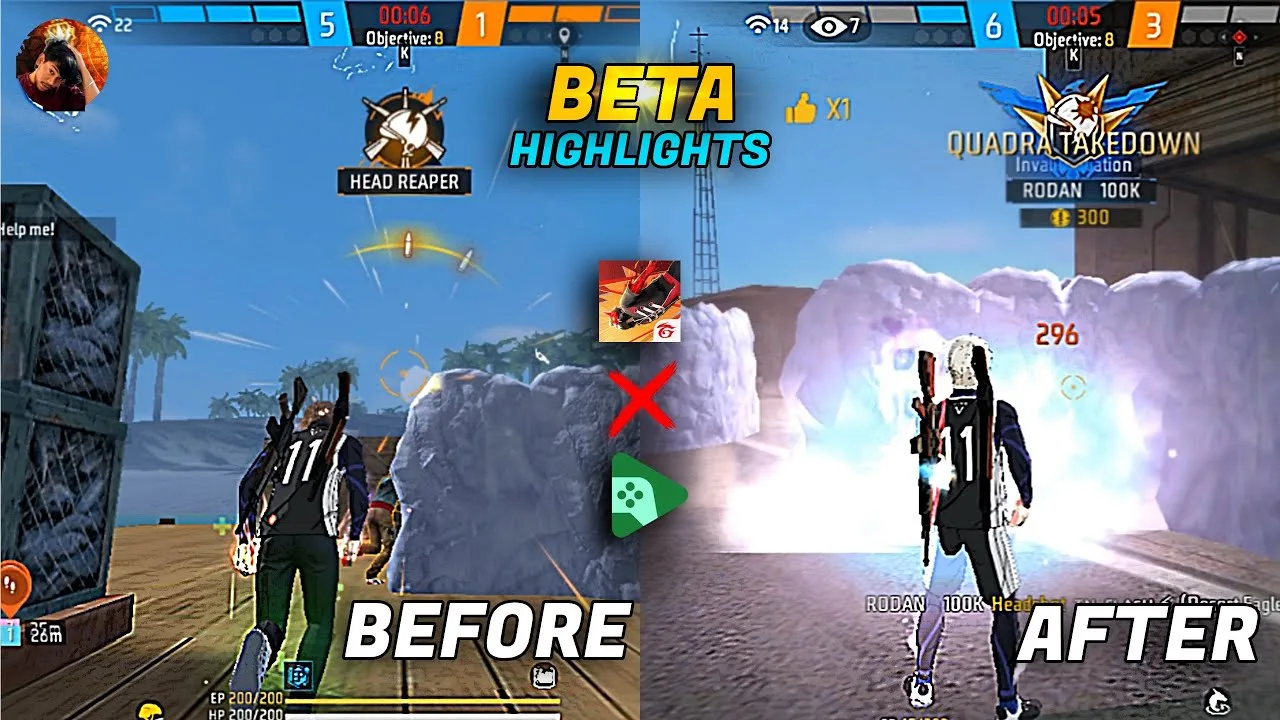
Beta access is early access to a test build of a game or app before that build becomes the normal public version. Instead of everyone receiving new features at once, a smaller group tries them first, reports problems, and helps show whether a change is ready for a wider release.
For players who follow Unlock Beta FF Android APK, understanding how access usually works prevents a lot of frustration. Beta places are rarely unlimited, windows open and close, and a build that works for one region or device group may not open for another at the same time. None of that means you did something wrong.
Why Beta Places Are Limited
Test builds are limited because the point is controlled feedback, not maximum downloads. A smaller group makes crashes, balance problems, and server load easier to measure. If a new feature breaks something important, a limited release keeps the problem contained while it is fixed, instead of sending it to every player at once.
That is also why access can feel unpredictable. A queue may open for a short window, fill quickly, and close again without much warning. Checking calmly at sensible intervals works better than refreshing constantly, and it keeps you from installing lookalike files out of impatience while you wait for a genuine opening.
How Slots and Queues Usually Work
In general terms, a beta programme may use registration lists, timed windows, device groups, or region groups to decide who gets in first. Some programmes reward accounts in good standing or players who tested earlier builds and gave useful reports. Others simply fill places in order until the group reaches the size the test needs.
Once a group is full, later arrivals wait for the next window, an expanded group, or the public release. Reading Unlock Beta FF features guide alongside this guide helps because the sections and menus you see can differ depending on whether your build is a test build, and knowing the layout makes access states easier to recognise.
What Happens Inside a Test Window
During a test window, expect builds to change more often than normal. Features can appear, move, or disappear between builds, and short maintenance breaks are common while servers are adjusted. Progress in a test build may not carry over in full, so treat anything you earn or unlock during testing as provisional until the public release confirms it.
Your job as a tester is simple: use the features normally, notice what breaks, and note when it broke. Clear notes about your device, connection, and the exact screen where a problem happened are far more useful than a general complaint, whether you report them through an official form or just keep them for your own troubleshooting.
Reading Access Messages Correctly
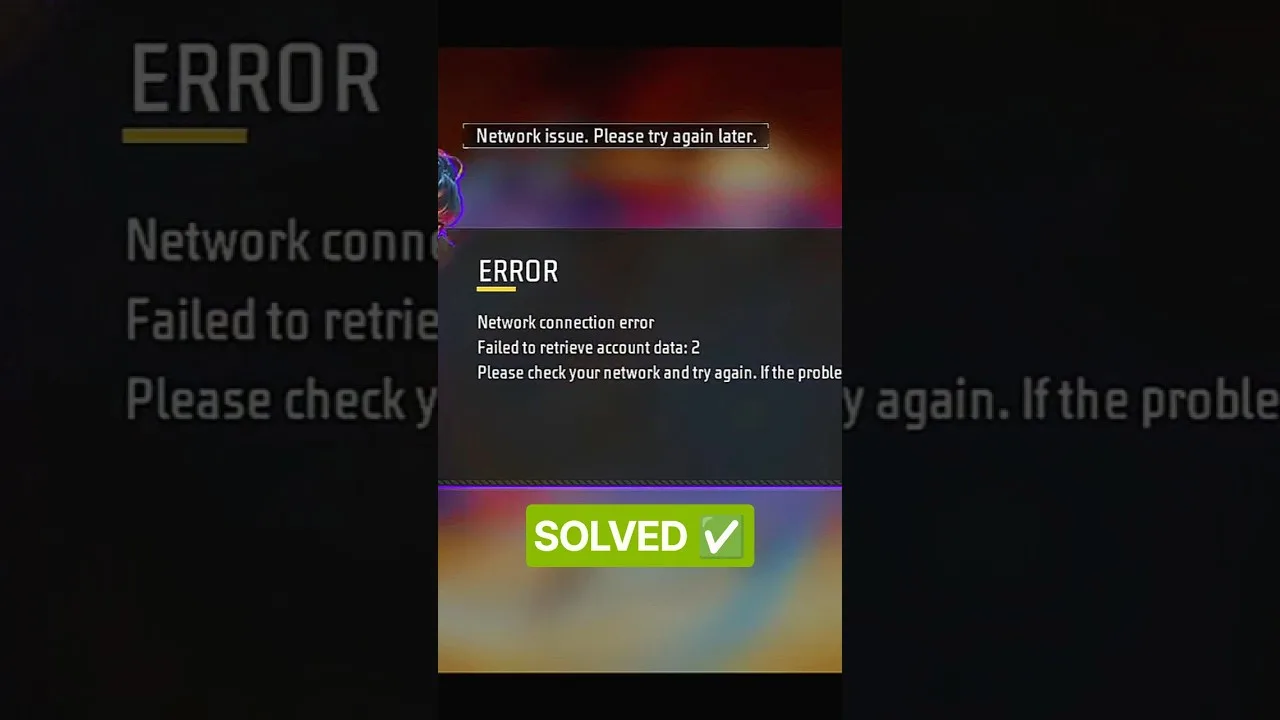
Messages about full servers, closed registrations, or upcoming windows are access states, not personal rejections. A full message means the group is at capacity. A region message means your account region is not in the current group. A maintenance message means the test is paused. Each one has a different next step, which is usually just waiting.
If messages change from day to day, that is also normal during active testing. Compare what you see with Unlock Beta FF beta vs stable differences if you are unsure whether you are looking at a test build behaviour or a problem with your own setup, because the two need very different responses and mixing them up wastes time.
Making the Most of Beta Access
When you do get in, spend your first session exploring rather than chasing results. Learn where new features live, test them on your usual settings, and check performance on your own device before forming an opinion. Early builds reward patient testers who understand what changed instead of players who expect a finished product.
Keep your expectations set to testing, keep your main account habits sensible, and keep your device ready with storage and battery to spare. Beta access is a preview with a purpose. Treated that way, it is genuinely enjoyable, and you will be ready the moment a test feature becomes part of the regular game.
Common Myths About Beta Access
One myth says beta access is a reward handed to the best players. In reality, test groups are usually chosen for useful variety: different devices, regions, connection types, and experience levels, because that variety surfaces more problems before release. A new player on an old phone can be exactly the tester a programme needs, and a highly ranked player on a flagship device may add little the internal team has not already seen. Access decisions describe the test's needs, not a leaderboard of worth, and reading them that way removes most of the sting from a closed window.
Another myth says that once you are in, you are in for every future test. Programmes change their groups as their questions change, so a tester for one feature may not be needed for the next. Treat each window as its own invitation, enjoy the ones you receive, and keep your main game healthy during the ones you miss. The public release reaches everyone in the end, and testers who stayed patient usually understand the new content better than anyone when it finally arrives for all players.
Finally, remember that access is only the doorway, not the destination. What you do inside a window, the features you learn, the problems you notice, and the notes you keep, decides how much the experience is worth to you afterwards. Two players can receive the same invitation and leave with completely different value from it, purely because one arrived prepared and curious while the other arrived expecting a finished product. Prepare, stay curious, read messages literally, and let each window teach you something the public release will later reward.